The Complete Guide: How To Optimize Amazon Listing
What Is Amazon Listing Optimization
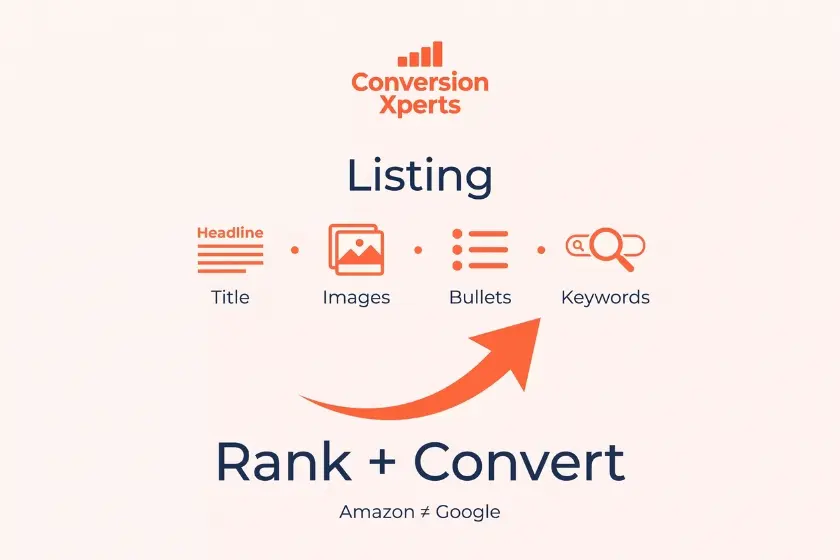
Amazon listing optimization is the process of refining every element of a product page, including the title, bullet points, images, description, and backend keywords, so the page ranks higher in Amazon search results and converts more visitors into paying customers.
Amazon uses a ranking system called A9, and its newer evolution often referred to as A10, to decide which products appear first for a given search term. Unlike Google, Amazon’s algorithm weighs sales velocity and conversion rate almost as heavily as keyword relevance. That means how to optimize amazon listing pages is not just about stuffing keywords into a title. It is about proving to Amazon, through real buyer behavior, that shoppers who see your listing actually purchase your product.
Think of your listing as a mini sales page. Every element on it, from the first word of the title to the last bullet point, has a job to do. Some elements exist purely to get discovered in search. Others exist purely to convince a shopper to click the buy button. The best listings do both at the same time.
Why This Differs From Traditional SEO
Traditional website SEO focuses heavily on backlinks, domain authority, and content depth. Amazon SEO focuses almost entirely on purchase intent and conversion signals. A shopper on Amazon has usually already decided to buy something in your category. Your job is not to educate them from scratch, it is to convince them that your product is the right choice out of dozens of similar options on the same page.
This distinction matters because sellers who come from a traditional marketing background sometimes overinvest in storytelling and underinvest in the specific, practical details a buyer needs to make a fast decision, such as size, material, compatibility, and what makes your version better than the one next to it.
Why Amazon Listing Optimization Matters In 2026
Amazon now hosts over 600 million products worldwide, and competition inside nearly every category has doubled since 2020 (Marketplace Pulse, 2025). If your listing is not optimized, you are relying entirely on paid advertising to get visibility, and that quietly drains your profit margin month after month.
Pro Tip: Every dollar you save on advertising because your organic ranking improved is a dollar that goes straight to profit. Sellers who master how to optimize amazon listing pages typically cut their advertising cost of sale by 15 to 30 percent within three months of a full optimization pass.
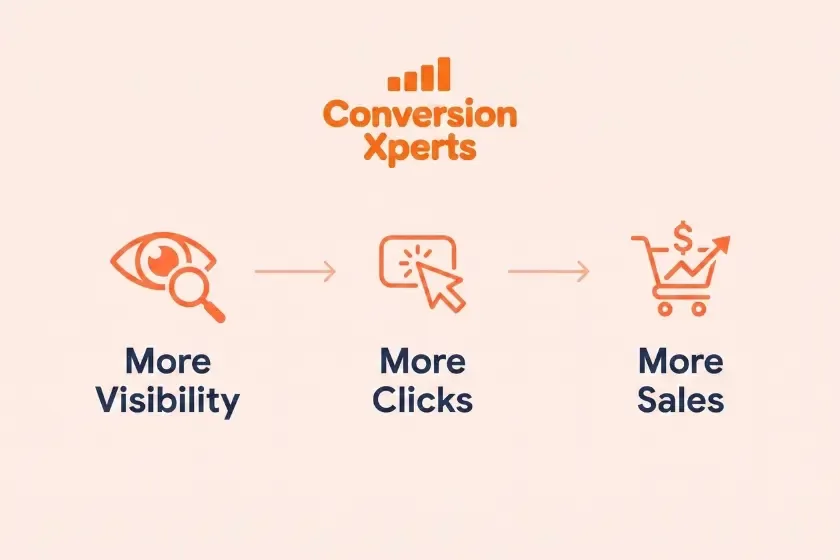
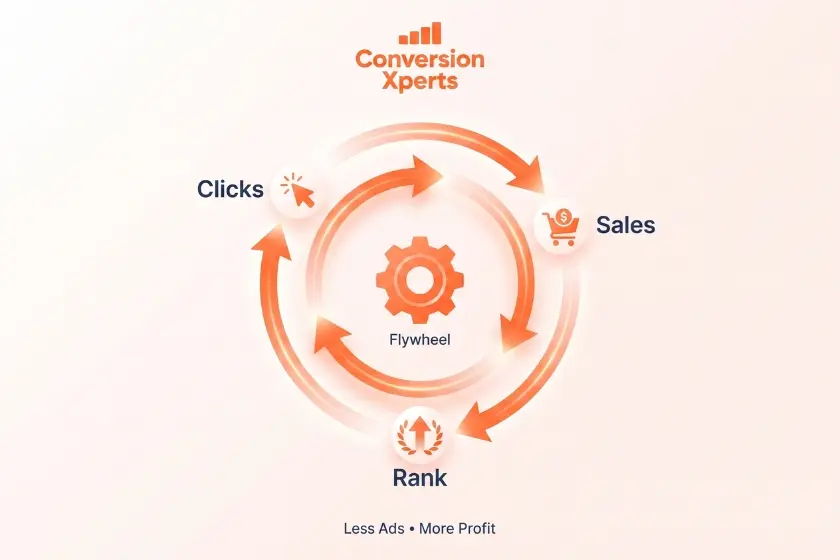
Search ranking, click through rate, and conversion rate all work together in a loop. A better listing gets more clicks, more clicks lead to more sales, and more sales push your ranking higher, which then earns even more clicks without any additional spend. This loop is often called the Amazon Flywheel, and understanding it is essential before you touch a single word of your listing.
There is also a growing reason this matters beyond Amazon itself. AI powered shopping assistants, including tools built into ChatGPT, Perplexity, and Google’s AI Overviews, are increasingly pulling product recommendations directly from marketplace data. A listing with clear, well structured information is far more likely to be understood correctly and recommended by these systems, which means optimization now influences visibility well beyond Amazon’s own search bar.
How Amazon’s Ranking Algorithm Actually Works
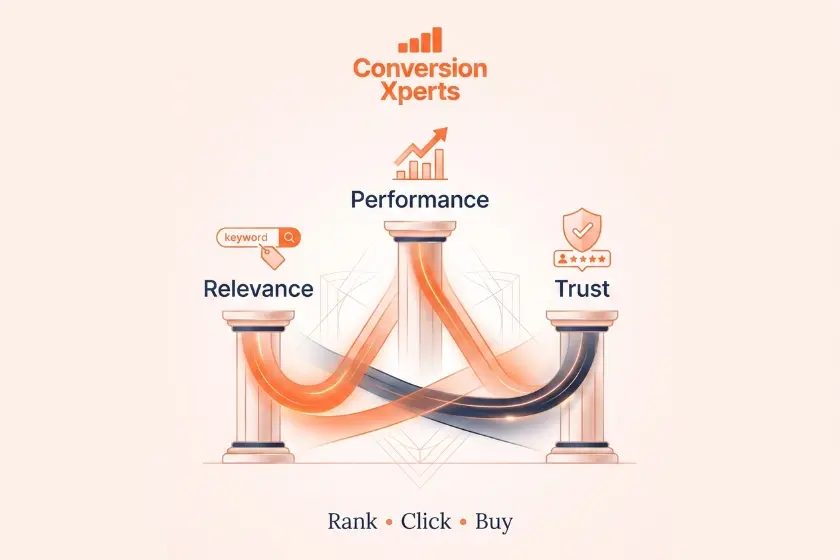
Before jumping into tactics, it helps to understand what Amazon is actually measuring behind the scenes. Sellers who understand this rarely waste time on tactics that do not move the needle.
Relevance signals tell Amazon what your product actually is. These come from your title, bullets, description, and backend search terms. If your keywords do not match what shoppers type, Amazon simply will not show your listing, no matter how good your images are.
Performance signals tell Amazon whether shoppers who see your listing actually buy it. These include click through rate, conversion rate, and sales velocity. This is the part most sellers ignore, and it is arguably more important than relevance once your listing is already showing up in search.
Customer satisfaction signals include your review rating, return rate, and how quickly you respond to customer questions. A listing with a low rating or high return rate will be suppressed over time, even if everything else is technically well optimized.
Understanding this three part structure changes how you approach the rest of this guide. You are not just trying to rank. You are trying to rank, get clicked, and get purchased, all at the same time.
How To Optimize Amazon Listing Step By Step
Follow this process in order. Skipping steps is the number one reason sellers see inconsistent results, because each step builds on the one before it.
- Research your keywords. Use tools like Helium 10, Jungle Scout, or Amazon’s own search suggestions to find what real buyers type into the search bar. Focus on terms with strong volume and clear buying intent rather than terms that simply describe your product in general.
- Rewrite your title. Place your primary keyword within the first 80 characters. Include brand name, key feature, size, and quantity where relevant, while keeping the phrasing readable to an actual human.
- Optimize your bullet points. Write five bullets, each covering one core benefit, with a secondary keyword woven in naturally rather than forced.
- Upgrade your images. Use seven to nine images, including at least one infographic and one lifestyle photo showing the product in real use.
- Fill backend search terms. Add keywords you could not fit naturally into visible copy, avoiding repetition of words already used in your title.
- Add A+ Content or a brand story section. This builds trust and can raise conversion rate by up to 10 percent according to Amazon’s own seller data.
- Track and refine weekly. Watch ranking position, click through rate, and conversion rate, then adjust whichever element is underperforming first.
The Optimization Pyramid Framework
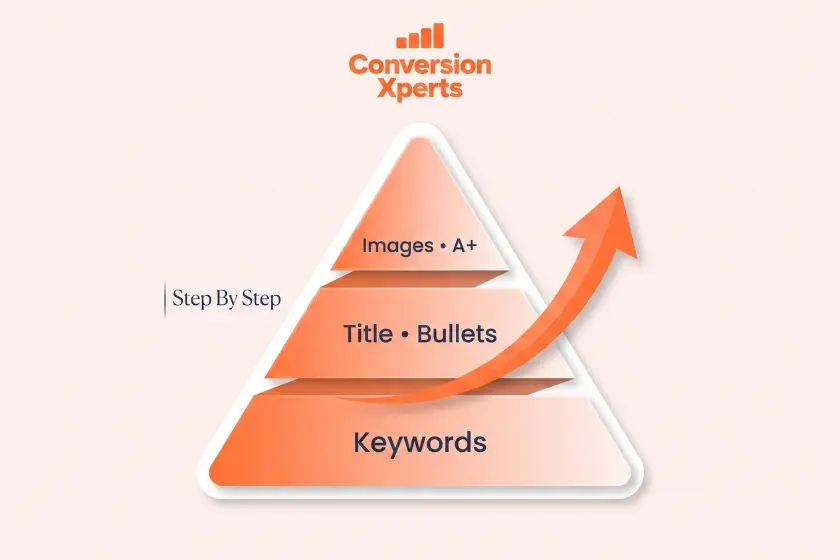
Here is an original framework worth applying to every listing you touch. Picture three layers stacked on top of each other, each one supporting the layer above it.
- Foundation layer: Keyword research and backend search terms
- Structure layer: Title, bullets, and description
- Conversion layer: Images, video, and A+ Content
Most sellers start at the top with pretty images and skip the foundation entirely. That approach is backwards. Build from the bottom up, and each layer above it will perform better because it rests on solid, accurate keyword targeting rather than guesswork.
Writing Titles That Rank And Convert
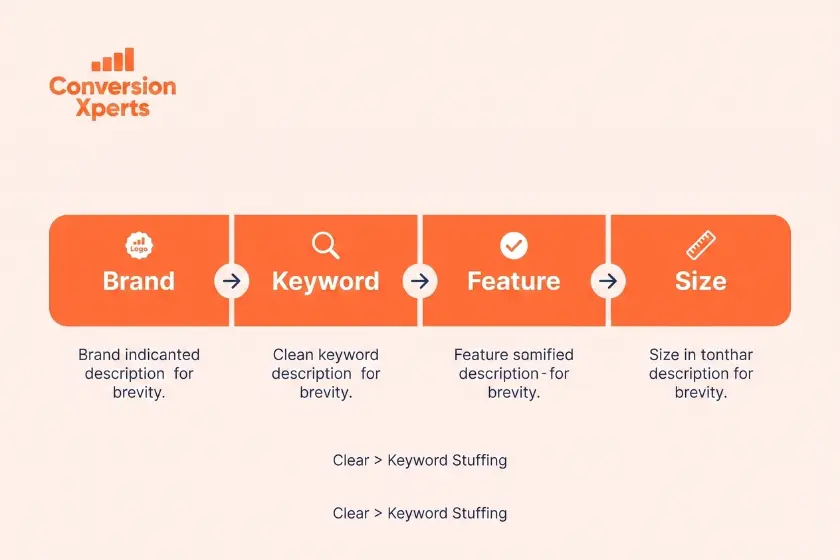
Your title is the single most important field on your entire listing. It carries the most keyword weight in Amazon’s algorithm, and it is often the first thing a shopper reads before deciding whether to click.
A strong title formula looks like this: Brand Name plus Main Keyword plus Key Feature plus Size or Quantity plus a secondary benefit. For example, a title for a reusable water bottle might read: HydroFlow Insulated Water Bottle 32 oz Leak Proof Stainless Steel with Wide Mouth Lid.
Notice how the primary keyword appears early, the material and size are included for shoppers scanning quickly, and the phrase still reads naturally rather than sounding like a list of disconnected words. Avoid the temptation to cram every keyword you found during research into the title. Amazon caps title length by category, usually between 150 and 200 characters, and titles that exceed mobile display limits get cut off, which hurts both readability and click through rate.
Writing Bullet Points That Sell
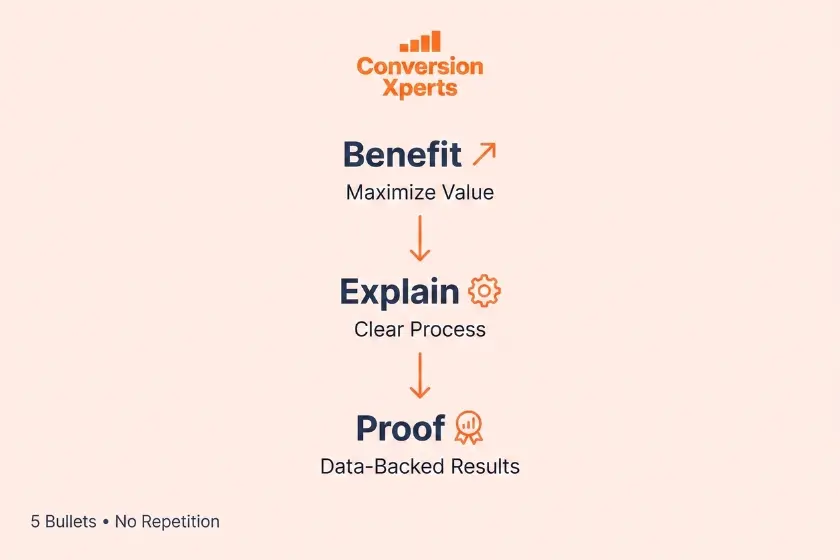
Bullet points are where relevance meets persuasion. Each bullet should open with a short, bolded benefit phrase followed by a sentence explaining why that benefit matters to the buyer.
A useful structure is: Benefit Headline. Explanation of how the feature delivers that benefit, followed by a specific detail that builds trust, such as a material, certification, or measurement.
For example: Stays Cold For 24 Hours. Double wall vacuum insulation keeps drinks icy through a full workday, tested at room temperature over 24 continuous hours. This structure works because it leads with the emotional payoff, then backs it up with a concrete fact, which satisfies both quick scanners and detail oriented buyers.
Spread your secondary keywords across the five bullets rather than repeating the same phrase in every one. This naturally increases topical coverage without reading as repetitive to a human shopper.
Optimizing Images And Video
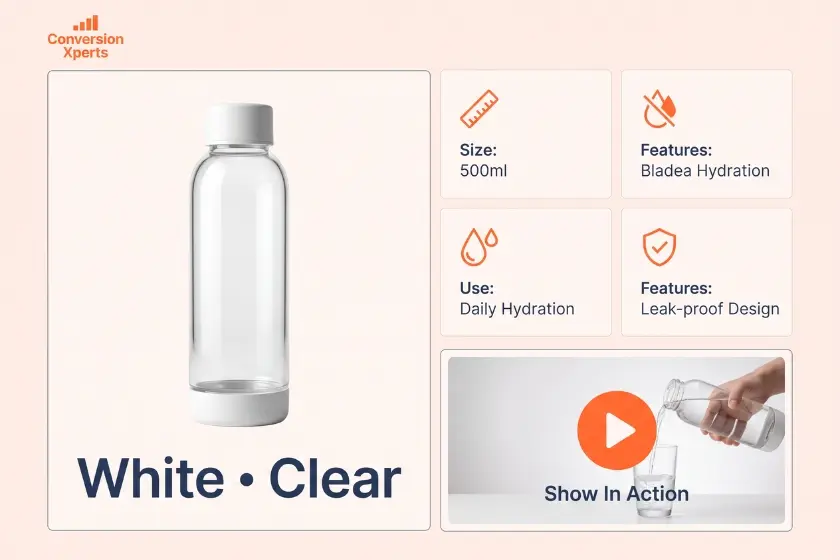
Images are frequently the biggest lever for conversion rate on the entire listing, often outperforming even the title in terms of impact on sales.
Your main image should sit on a pure white background, fill the frame appropriately, and clearly show the product without clutter, since this is Amazon’s requirement and also what shoppers expect to see first. Supporting images should include a size comparison, an infographic highlighting key features, a lifestyle photo showing the product in use, and at least one image addressing a common question or concern a buyer might have before purchasing.
Video has become increasingly influential in 2026, particularly for categories where shoppers want to see the product in motion, such as electronics, apparel, or anything with moving parts. A short video demonstrating unboxing and first use can measurably increase conversion rate, especially on mobile devices where video autoplays as shoppers scroll
Backend Keywords And Search Terms Explained
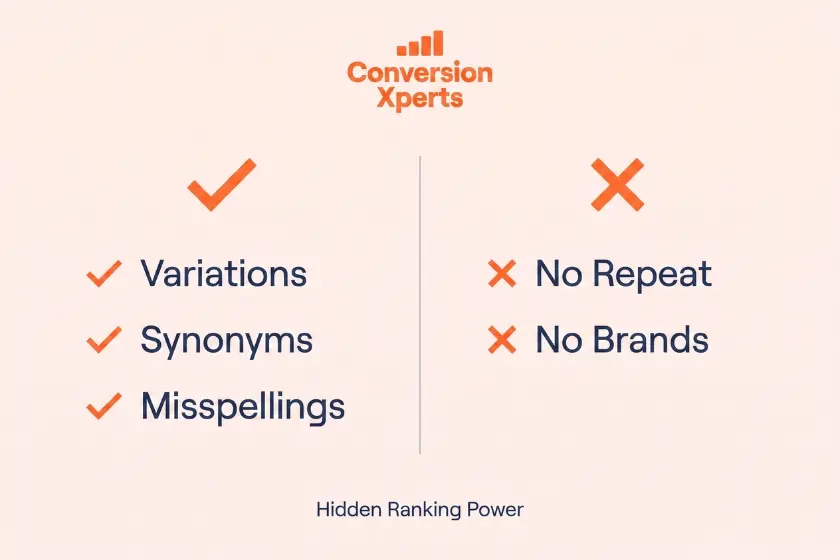
The backend search terms field is invisible to shoppers but fully readable by Amazon’s algorithm, which makes it one of the most underused tools available to sellers.
Use this field for keyword variations, common misspellings, synonyms, and terms you could not naturally fit into your visible copy. Avoid repeating words that already appear in your title, since Amazon indexes those automatically and repeating them wastes valuable character space. Also avoid competitor brand names, since this violates Amazon’s policies and can result in suppression or account level penalties.
A well filled backend field can be the difference between ranking for five keywords and ranking for fifty, all without changing a single word your customer actually sees.
Best Tools For Amazon Listing Optimization
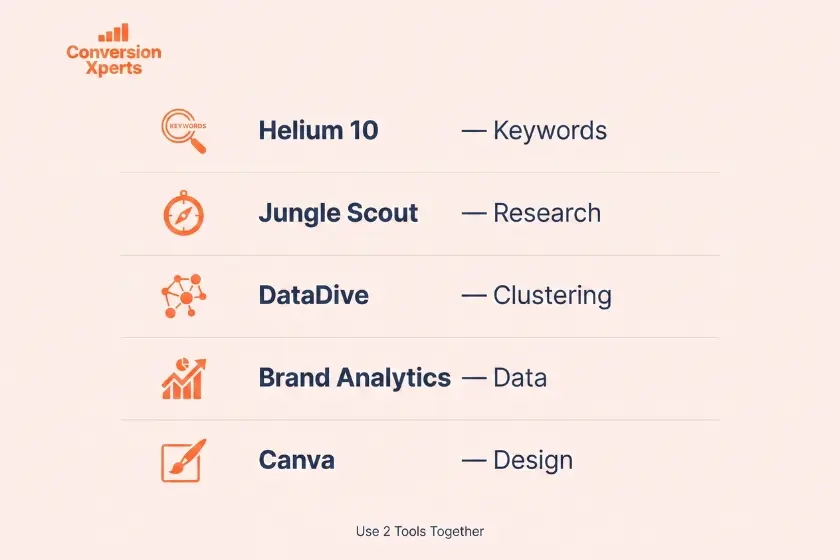
| Tool | Best For | Starting Price | Standout Feature |
Helium 10 | Full keyword research | $39 per month | Cerebro reverse ASIN lookup |
Jungle Scout | Product and market data | $49 per month | Opportunity finder |
DataDive | Deep keyword clustering | $47 per month | Visual keyword mapping |
Amazon Brand Analytics | Free native data | Free with Brand Registry | Real Amazon search volume |
Canva | Image and infographic creation | Free with paid tier | Easy template editing |
Each of these tools solves a different part of the optimization process, and most experienced sellers use at least two together, one for keyword research and one for image or content creation.
Common Amazon Listing Mistakes To Avoid
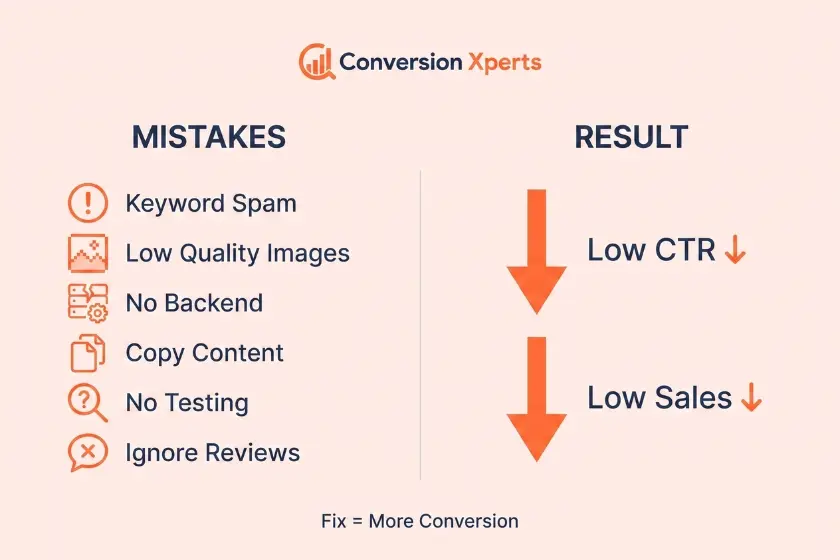
Even experienced sellers fall into these traps when learning how to optimize amazon listing pages, often without realizing the damage it is doing to their rankings.
- Keyword stuffing the title until it reads like nonsense to a human shopper, which actually hurts click through rate even when it helps relevance
- Using low resolution images that look unprofessional and blurry on mobile screens
- Ignoring backend search terms and leaving that field blank or poorly filled
- Copying a competitor’s bullet points instead of writing original, benefit driven copy
- Never testing the main image, which is consistently the single biggest driver of click through rate on any listing
- Changing multiple elements at once, which makes it impossible to know which change actually caused a result
- Ignoring negative reviews that repeatedly mention the same issue, since this is often free customer research pointing directly at a listing weakness
Real World Example: A kitchenware seller we studied had strong traffic but weak sales. After swapping a plain white background main image for one showing the product actively being used in a kitchen setting, conversion rate rose from 8 percent to 14 percent within two weeks, with no other changes made to the listing at all.
Amazon Listing Optimization vs Amazon PPC
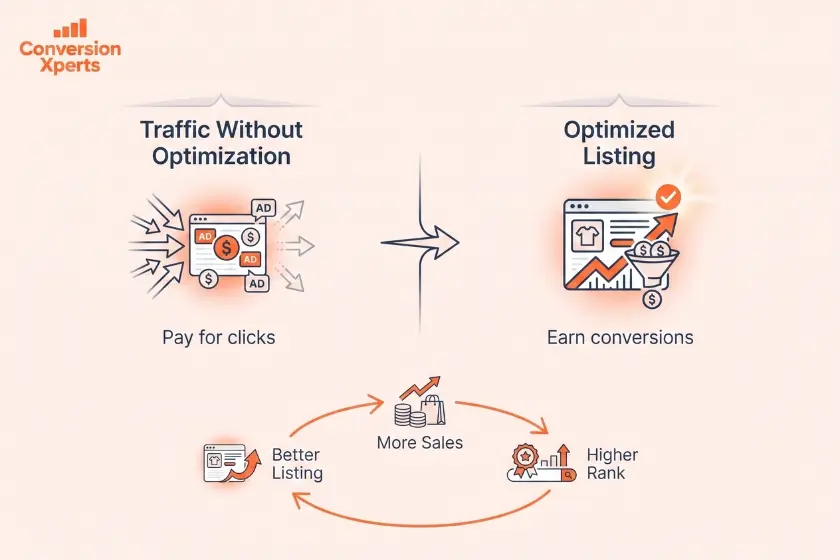
A common question sellers ask is whether to focus on organic optimization or paid advertising first. The honest answer is that both work together, but organic optimization should always come first because it lowers your cost per click on every ad you later run.
| Factor | Listing Optimization | Amazon PPC |
Cost | One time effort | Ongoing daily spend |
Speed of results | Two to six weeks | Immediate visibility |
Long term value | Compounds over time | Stops when spend stops |
Best used for | Building lasting rank | Launching new products |
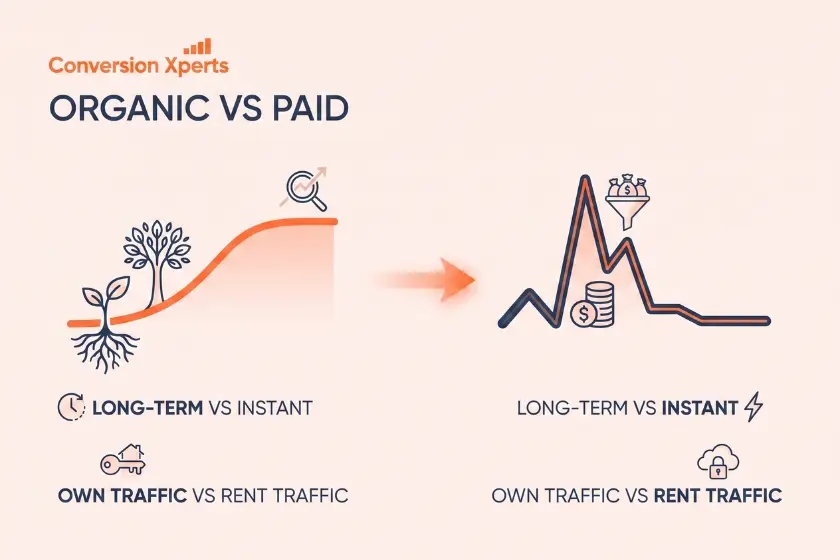
A useful way to think about it is that PPC buys you visibility today, while optimization builds visibility that lasts long after you turn the ads off. Sellers who rely entirely on PPC without ever optimizing their listing are essentially renting their traffic forever instead of owning it.
Expert Tips To Master Amazon Listing Optimization
- Update your listing every quarter as search trends and buyer language shift over time
- Read your negative reviews closely, since they often reveal missing keywords or missing information that buyers expected to see
- Test one variable at a time so you know exactly what caused a change in performance
- Use Amazon’s Manage Your Experiments feature if you have Brand Registry, so you can A/B test titles and images with real data instead of guesswork
- Study your top three competitors’ listings monthly, not to copy them, but to notice what they are doing that you are not
- Keep a swipe file of high performing bullet points and headlines from your own past listings so you are not starting from zero every time
Real World Examples And Case Study
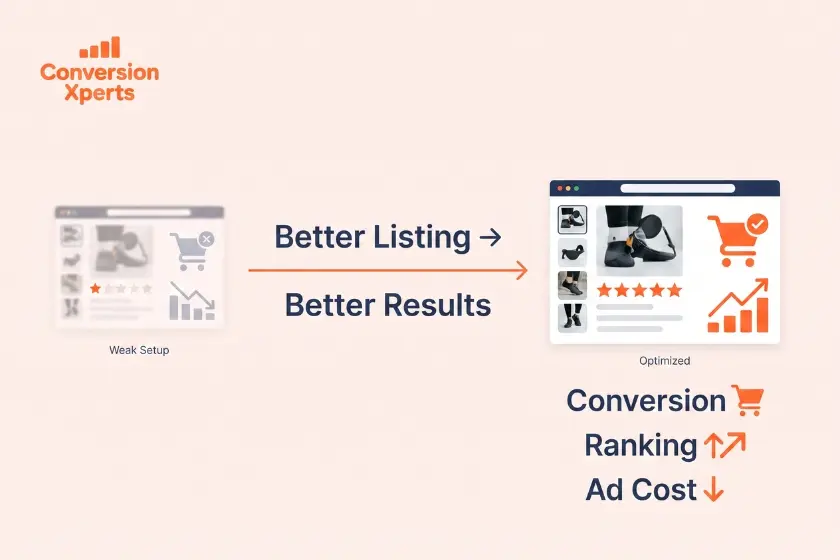
A supplement brand selling protein powder applied the Optimization Pyramid Framework described earlier in this guide. They rebuilt their backend keywords first, rewrote their title and bullets second, and finally redesigned their main image and added three infographic images to the gallery.
Within six weeks their organic ranking for their primary keyword moved from page three to position four on page one, and their conversion rate improved from 11 percent to 19 percent. Their advertising cost of sale dropped by 22 percent because organic sales were now carrying a much larger share of total volume, which meant they needed to spend less to hit the same revenue target.
A second example comes from a home goods seller who focused almost entirely on image optimization without touching their keywords at all. Simply adding a size comparison image and a short demonstration video increased their conversion rate by 6 percentage points within one month, proving that even a single layer of the Optimization Pyramid can produce measurable results on its own
How To Measure And Track Your Results
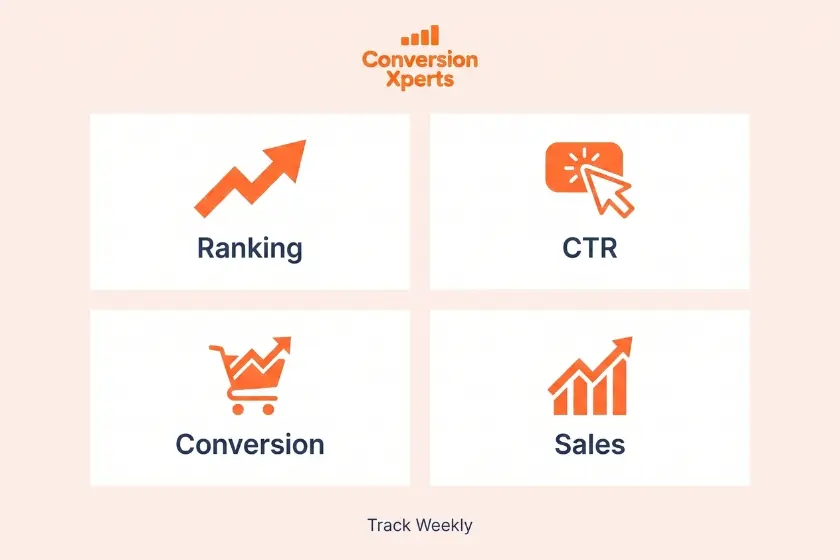
Optimization only works if you actually track whether it is working. Check these four metrics weekly rather than daily, since daily fluctuations are usually noise rather than signal.
Organic ranking position for your primary and top three secondary keywords, tracked using your keyword research tool of choice or Amazon’s own search results.
Click through rate, found in Amazon’s Brand Analytics dashboard if you have Brand Registry, which tells you how compelling your title and main image are to shoppers who see them in search.
Conversion rate, found in your Business Reports section, which tells you how compelling your full listing is once someone has actually clicked through.
Sales velocity, meaning units sold per day compared to the same period last month, which is one of the strongest signals Amazon uses to decide long term ranking.
Reviewing these four numbers together, rather than in isolation, tells you exactly which layer of the Optimization Pyramid needs the most attention right now.