
How to Set Up Google Ads Optimizer (And Stop Wasting Ad Budget)
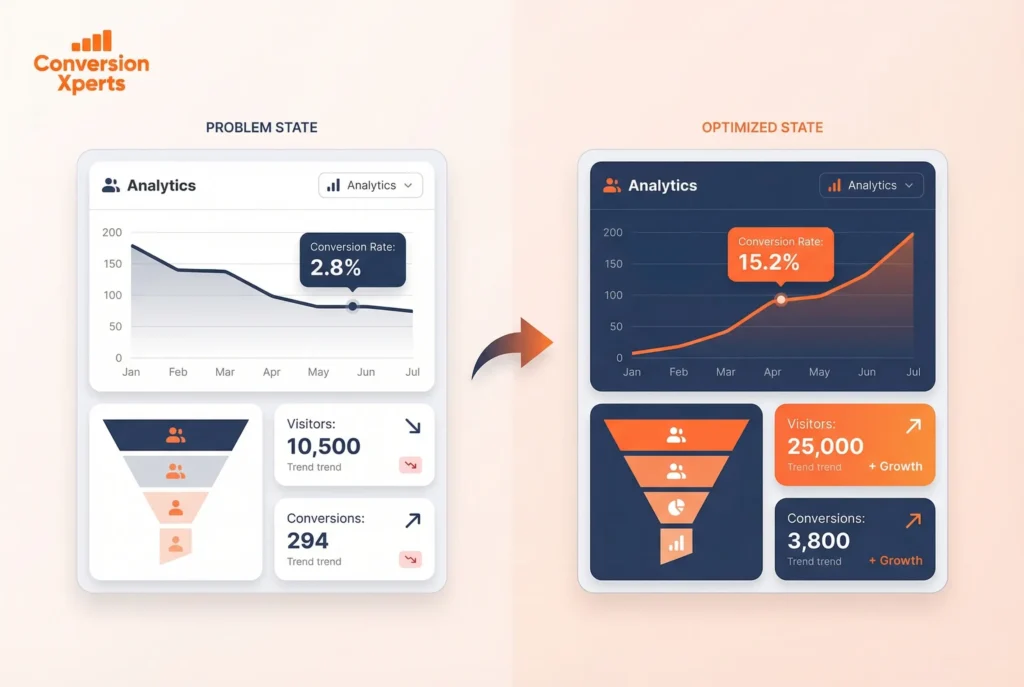
Did you know that campaigns using the Google Ads optimizer can increase conversions by 21% while reducing cost-per-acquisition by 14%?
Impressive, right? We’ve seen even more dramatic results in specific cases. Some businesses have tripled their daily conversions from 200 to over 600, while others have slashed their cost per acquisition from €0.60 down to just €0.25. In one remarkable example, a cosmetics company reduced its CPA from $160 to just over $12 in only four months.
These aren’t just random success stories. The conversion optimizer in Google Ads works by automatically finding the optimal cost-per-click bid each time your ad is eligible to appear. Instead of manually adjusting bids and hoping for the best, this powerful tool uses AI to predict which clicks are most likely to convert, promising to deliver as many conversions as possible at or below your specified cost.
However, not everyone can access this feature immediately. You need at least 15 conversions registered in the past 30 days to get started. That’s why understanding how to properly set up and use the Google Ads optimizer tool is crucial for maximizing your advertising budget.
In this article, we’ll walk you through exactly how to implement this powerful system, avoid common pitfalls, and stop wasting your precious ad budget on clicks that don’t convert.
What is Google Ads Optimizer and How It Works

Google Ads Optimizer functions as a sophisticated tool that automates bidding strategies based on conversion probability rather than just clicks or impressions. This automated system works tirelessly behind the scenes to maximize your campaign’s performance within specified budgets.
Understanding the role of conversion optimizer in Google Ads
The conversion optimizer serves as your digital marketing assistant, designed specifically to enhance ad campaign efficiency. Unlike traditional approaches that focus solely on impressions, this tool aims to maximize meaningful conversions—whether purchases, sign-ups, or other defined actions—all within your allocated budget.
When implemented correctly, campaigns adopting the Conversion Optimizer achieve an average 21% increase in conversions alongside a 14% decrease in CPA. This impressive performance stems from its ability to automatically adjust bids for search queries where your ads are most likely to convert, essentially helping you avoid unprofitable clicks.
How Google Ads optimizer AI predicts valuable clicks
The true power of Google’s optimizer lies in its predictive capabilities. Using advanced machine learning algorithms, the system analyzes your historical performance data alongside contextual signals present during each auction.
For each potential impression, the AI evaluates hundreds of signals simultaneously—including device type, location, time of day, search intent, and past behavior. This real-time analysis allows the system to identify which clicks have the highest conversion probability, dynamically adjusting your bids accordingly.
Rather than telling Google exactly how much to bid, you simply define what success looks like—whether that’s maximizing conversions at a target CPA or maximizing conversion value at a target ROAS. The AI then continuously refines its approach based on incoming data.
Difference between manual bidding and automated optimization
The fundamental distinction between manual and automated bidding comes down to control versus efficiency. With manual bidding, advertisers set their own maximum CPC for keywords or ad groups, providing complete control but requiring constant monitoring and adjustments.
Conversely, automated bidding leverages Google’s machine learning to manage bids dynamically. For most advertisers, automated strategies deliver superior results by accessing countless data signals that manual bidding simply cannot utilize. These include factors like seasonality, remarketing signals, and operating system—all processed instantly during each auction.
Manual bidding still has its place, particularly when you possess data Google doesn’t have access to or when you need to reset performance data. Nevertheless, for consistent optimization at scale, the AI-powered approach typically proves more effective.
Eligibility and Setup Requirements
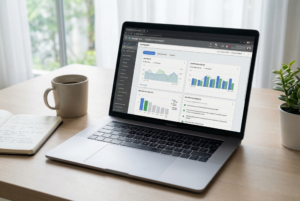
Before enabling the Google Ads optimizer, understanding eligibility requirements is crucial for success. This powerful AI-driven tool isn’t immediately available to everyone—it requires specific conditions to function effectively.
Minimum conversion threshold to enable the tool
To access the conversion optimizer in Google Ads, you’ll need to meet baseline conversion requirements that vary by campaign type. For search campaigns, you need at least 15 conversions in the past 30 days. Display campaigns require 15 conversions with valid values in the same timeframe, while app campaigns demand either 10 conversions daily or 300 conversions monthly.
Furthermore, discovery campaigns need a minimum of 75 conversions in the past 30 days (with 10 occurring in the previous week), and video action campaigns require at least 30 conversions monthly.
Although Google’s official minimum threshold starts at 15 conversions, experts generally recommend aiming higher. For maximum effectiveness, strive for at least 50 conversions in the past 30 days before transitioning to automated bidding.
Why historical data matters for optimization
Historical performance data serves as the foundation for the Google Ads optimizer AI. The system requires sufficient data to identify patterns and make informed bidding decisions. According to experts, you should collect data over four to six months before switching to smart bidding strategies.
Additionally, stability in your conversion rates plays a vital role in optimization success.
By analyzing trends over six to twelve weeks, you can avoid making decisions based on temporary fluctuations or anomalies.
After implementing a new bidding strategy, allow a four-week grace period before making further adjustments. This patience gives the AI enough time to learn from your campaign’s unique performance patterns.
How to check if your campaign is eligible
To verify eligibility, first examine your campaign’s conversion history in Google Ads. Navigate to the “Campaigns” section, select your campaign, and check the “Conversions” column for the past 30 days.
If you’re considering upgrading to Performance Max campaigns, Google provides specific tools to check upgrade eligibility for Smart Shopping, Local, and Vehicle campaigns. These upgrade routes offer advantages like tailored configuration and retention of advertising goals.
How to Set Up Google Ads Optimizer
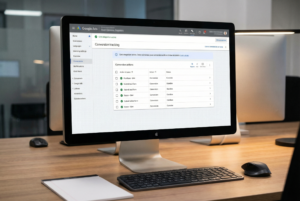
Setting up the Google Ads optimizer requires a systematic approach to ensure optimal performance. Follow these five critical steps to configure this powerful tool correctly.
Step 1: Enable conversion tracking
Initially, you must implement conversion tracking before using the optimizer. Navigate to Google Ads and set up tracking for valuable actions like purchases or sign-ups. This critical foundation allows the system to measure what’s valuable to your business. You can track website conversions through Google tag or Google Analytics 4 integration.
Step 2: Choose a campaign with enough data
Next, select a campaign meeting the minimum threshold of 15 conversions within the past 30 days. For optimal results, campaigns with 30-50+ monthly conversions perform best. Remember that historical conversion data helps Google recommend an appropriate target CPA.
Step 3: Select bidding strategy (Target CPA or Max CPA)
Choose between Target CPA (where you set a specific cost-per-action goal) or Max CPA bidding. With Target CPA, you input your desired average cost per action, whereas Max CPA offers more flexibility. Access this by expanding the “Bidding” section in campaign settings.
Step 4: Adjust ad scheduling and device settings
Subsequently, configure ad scheduling to show ads during optimal conversion periods. Device bid adjustments allow prioritizing conversions by desktop, tablet, or mobile. These refinements help maximize budget efficiency without changing daily spending caps.
Step 5: Review and launch
Finally, verify all settings before activation. Monitor performance closely after implementation, allowing time for the AI to optimize properly.
Tips to Maximize Performance and Avoid Budget Waste

Once you’ve activated the Google Ads optimizer, ongoing management becomes essential for maximizing returns. Following specific monitoring practices helps ensure your campaigns deliver consistent value.
Monitor CPA trends after enabling the tool
After implementing Google Ads optimizer, consistent performance tracking becomes vital. Examine CPA metrics at the ad group level and treat each group individually based on its unique performance patterns. Remember that actual CPA fluctuates because of factors outside Google’s control, such as website changes, ad modifications, or increased auction competition.
When to adjust your target CPA
Patience proves crucial when working with the optimizer AI. Wait at least two weeks before making any target CPA adjustments. This timeframe allows Google’s algorithm to adapt its optimization strategies to your campaign changes. Moreover, only reduce your target when your actual CPA has remained below target consistently for a minimum two-week period. As a precaution, avoid decreasing your target by more than 25% at once.
Avoiding over-reliance on broad match keywords
Broad match keywords require vigilant management to prevent budget waste. These terms often deliver deceptively low cost-per-lead metrics alongside poor conversion rates. Regularly review search query reports to understand which searches trigger your broad match keywords and refine negative keyword lists accordingly. Without proper negative keywords, you’re virtually guaranteed wasted spending.
Using Google Ads optimizer tool with attribution in mind
Attribution modeling provides critical insights for optimization success. The conversion data Google shows represents “cost per last ad click conversion” – not your actual acquisition cost. By understanding attribution, you can identify which keywords initiate and assist conversions rather than only those that complete them. This comprehensive view helps you avoid the law of diminishing returns and maintain reasonable CPA targets longer.
Conclusion
Google Ads optimizer stands as a game-changing tool for advertisers looking to maximize their return on ad spend. Throughout this guide, we’ve seen how this AI-powered system can boost conversions while simultaneously reducing acquisition costs. This powerful combination ultimately creates more efficient campaigns and stops budget waste.
Remember that success with the optimizer doesn’t happen instantly. Your campaigns need at least 15 conversions within a 30-day period, though experts recommend 50+ conversions for optimal results. Historical data certainly matters – giving the system 4-6 months of stable conversion information provides the foundation for smart bidding decisions.
After setting up conversion tracking and selecting appropriate campaigns, you must choose between Target CPA or Max CPA bidding strategies. These choices will shape how the system optimizes your spending. Additionally, proper ad scheduling and device settings further refine your approach.
Most importantly, patience becomes your ally when working with Google’s AI. The system needs time to learn your unique patterns and adapt accordingly. Therefore, avoid making hasty adjustments before the two-week mark. Regular monitoring of CPA trends helps you make data-driven decisions about when to adjust targets.
Broad match keywords require special attention since they can quickly drain budgets without delivering quality conversions. Meanwhile, understanding attribution models gives you deeper insights into which keywords truly drive value throughout the customer journey.
Google Ads optimizer transforms your approach from manual guesswork to data-driven precision. The days of wasting budget on low-quality clicks can end when you implement this system correctly. Start applying these principles today, and you’ll likely see improved campaign performance while maintaining greater control over your advertising costs.